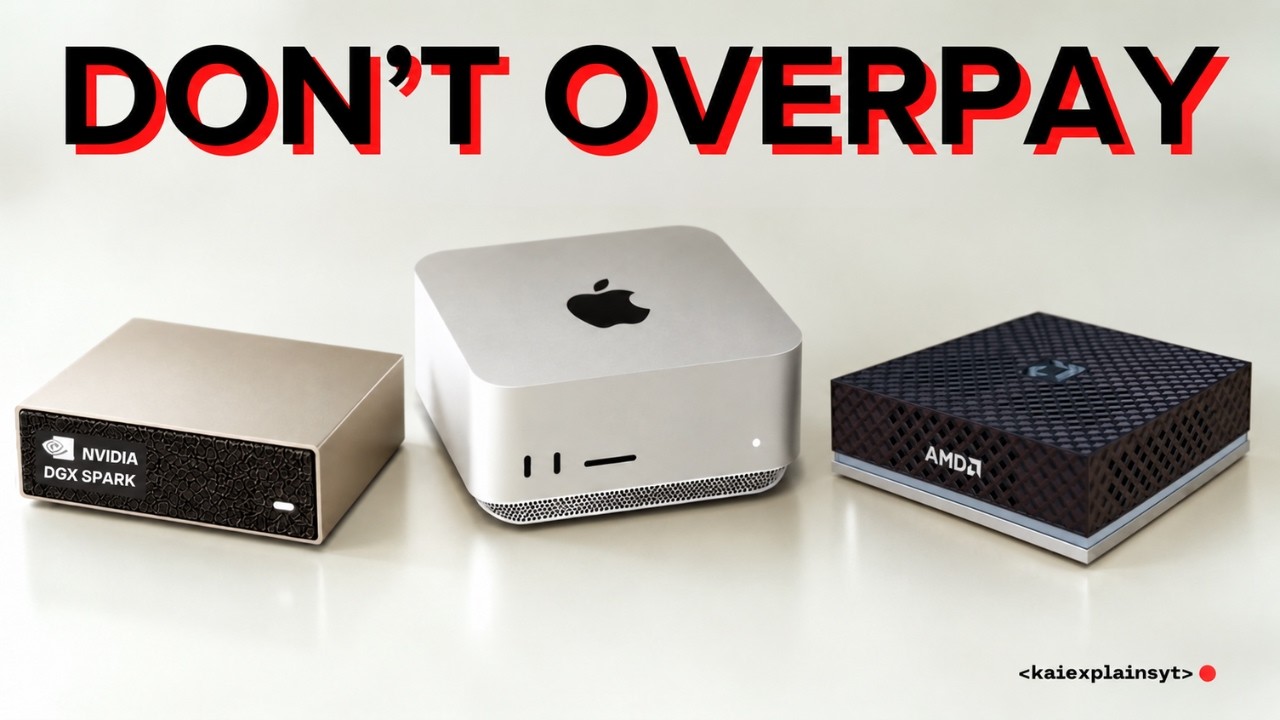
What AI You Can Run at Every VRAM Size, From 16GB to 1TB
Title history
- What AI You Can Run at Every VRAM Size, From 16GB to 1TB — observed on 20261102-1541 UTC (YouTube)
Keywords
Summary
153 words
Critical Evaluation
Value of the Information & Strength of the Argument
The value of the information is high due to the detailed data on model scores, sizes, and prices, as well as the critical analysis of common misconceptions. The argumentation is strong, as the creator systematically demonstrates how each memory increase affects intelligence, often using concrete examples and benchmark numbers. He also provides practical tips, such as the terminal command for Macs, and explains the concept of active vs. total parameters in mixture-of-experts models. The reasoning is clear and supported by references to Artificial Analysis, Unsloth, and OpenRouter.
Scientific Rigor, Source Quality, Title Accuracy
The video demonstrates scientific rigor by citing authoritative sources like the Artificial Analysis Intelligence Index and Unsloth’s quantization documentation, and it clearly labels which information is based on promises rather than released data. However, some claims rely on unverified benchmarks, and the title’s use of ‘VRAM’ instead of ‘memory’ could be misleading. Overall, the content is well-sourced and internally consistent, but viewers should verify specific numbers as they may change.
172 words
Title / Content Match
The title mentions 'VRAM' but the video actually discusses total system memory, which includes RAM. This is a minor mismatch that could mislead viewers.
Quality & Reliability
8/10
The video provides well-researched analysis with specific data and citations, but some claims are based on future releases and unverified benchmarks.
Chapters
- What AI you can run at every memory size
- Why "more RAM = smarter AI" charts mislead
- 16GB: Qwen 3.8 27B vs Gemma 4 12B
- 32GB: Qwen 3.8 27B with 128K context
- 64GB: 8-bit, 256K context and multiple agents
- 128GB: Mac Studio M5 Max vs DGX Spark vs Strix Halo
- 256GB: DeepSeek V4.1 Flash on the M5 Ultra
- 512GB Mac Studio ($22,299) vs two 256GB
- 1TB: Kimi K3.1 Pro, the biggest jump
- GPU + RAM + SSD: running big models on a PC
- Renting vs owning: why the bill runs backwards
- The speed ceiling nobody advertises
- Who actually needs 1TB
- The whole ladder in one minute
- Rent first, then buy the smallest rung that fits
Cited Sources
- Artificial Analysis Intelligence Index v5 — Used to benchmark and compare AI models.
- Unsloth Kimi K3 quantization docs — Provides quantization sizes and quality estimates for Kimi K3 models.
- OpenRouter — Platform for renting AI models, used for pricing comparisons.
- Every Way to Get 128GB VRAM for Local AI — Related video on 128GB VRAM options.
- Every Way to Get 256GB of VRAM for Local AI — Related video on 256GB VRAM options.
- Every Way to Get 512GB of VRAM for Local AI — Related video on 512GB VRAM options.
- Every Way to Get 32GB VRAM for Local AI — Related video on 32GB VRAM options.
- Is 16GB All You Need for Serious Local LLM? — Related video debating whether 16GB is sufficient for local LLMs.
- What It Actually Costs to Run DeepSeek V4.1 Flash Locally — Detailed cost analysis for running DeepSeek V4.1 Flash locally.
- Run 125B Models 6× Faster Than llama.cpp (Strata) — Overview of the Strata engine for faster local model inference.
- Why Your Mac Is Slow at Local AI (And It's Not the Chip) — Explores Mac-specific performance issues in local AI.
- Can a Mac Mini Replace Your $200 AI Subscription? — Discussion on whether a Mac Mini can substitute for paid AI services.
Contribution & Novelties
The video’s original contribution lies in debunking the smooth ‘more RAM = smarter AI’ curve and revealing the staircase effect, where only certain memory steps yield intelligence gains. It also highlights the recent Kimi K3.1 Pro release, which makes the 1TB tier significant for the first time, and provides practical guidance on configuring Macs to access full model memory. Additionally, it explains the Strata engine for combining VRAM and RAM, and the economic paradox of renting vs. owning hardware.
Pour aller plus loin :
- Mixture of experts — Explains the architecture behind many large models, crucial for understanding active vs. total parameters.
- Quantization (signal processing) — Relevant to the bit-level precision discussions and model compression.
- Model compression — Overview of techniques to reduce model size, including quantization and pruning.
129 words
Radar Profile
The scores indicate a high quantity of information (9/10) and good quality (8/10), with a solid technical level (8/10) and overall reliability (8/10). This suggests a well-researched and informative video, though some points rely on future releases.